Copy the key from My License
Your license key is different from your order number, account password, or payment receipt. Use the key shown inside the matching product purchase.
- 1
Sign in with your purchase email
Use the InspireUI account connected to the email used at checkout. Your licenses are linked to that account.
Sign in to InspireUI - 2
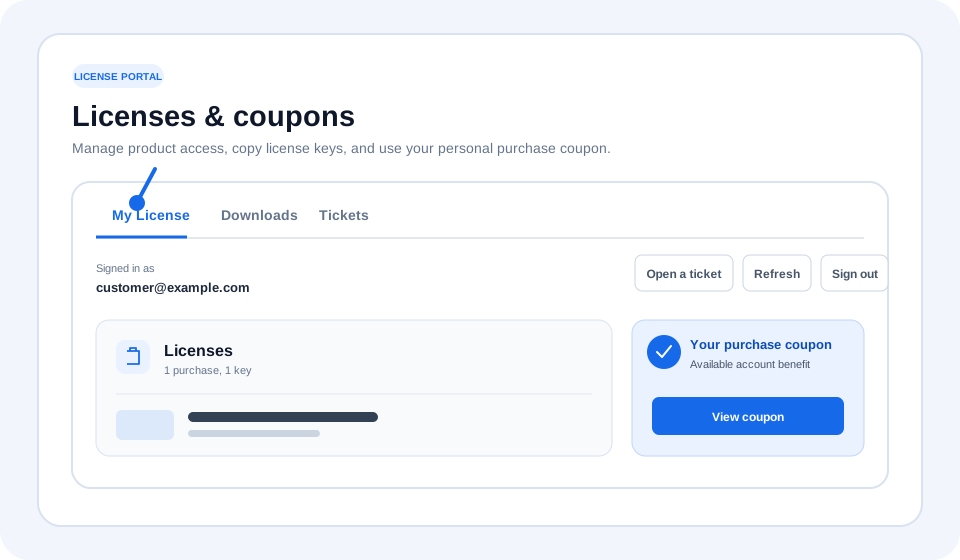
Open the My License tab
After signing in, open My License from the account navigation. The page also includes Downloads and Tickets tabs.
- 3
Find the product you want to activate
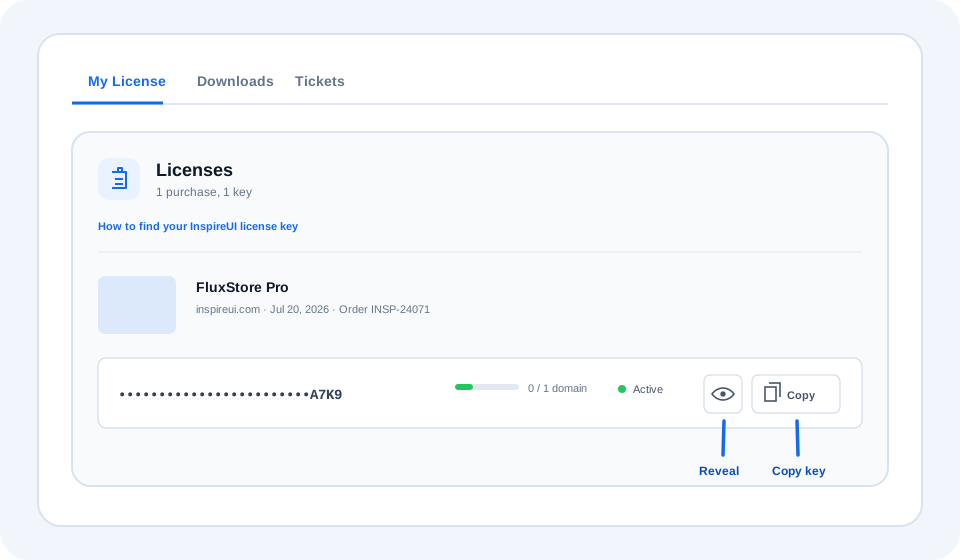
Each purchase appears as a separate product section with its order information, license status, and license key.
- 4
Reveal or copy the license key
The key is masked by default for privacy. Select the eye button to reveal it, or choose Copy to copy the full key safely.
- 5
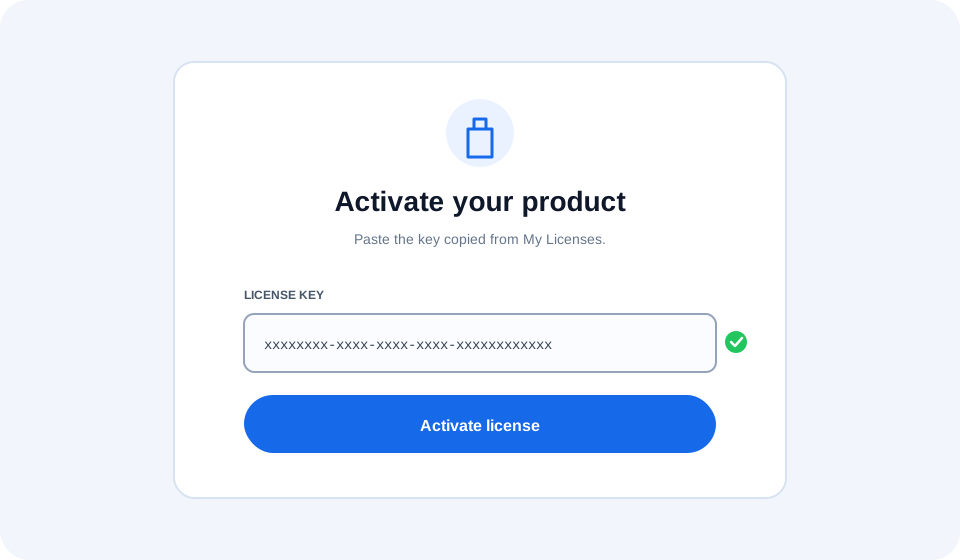
Paste the key into product activation
Return to the product, paste the copied key into its License Key field, and complete activation.
Common questions
Why is my key hidden?
License keys are masked by default to protect them while you share your screen. Select the eye button when you need to view the complete value.
My purchase is missing
Confirm that you signed in with the email used at checkout. Recent purchases can take a few minutes to sync; refresh the page before contacting support.
I have more than one license
Each product and purchase can have a separate key. Copy the key from the product section that matches the app or project you are activating.
Still cannot find your key?
Contact support with your purchase email, order ID, and product name. Never send your account password.